Yesterday was four hours of frustration. Printer got half way through a sundial and then stopped printing. Dismantled the nozzle (twice) changed the nozzle (twice) still nothing, filament was dribbling through so it was heating up ok. Burnt fingers would agree, nozzle temperature was sitting at 200 degrees! Pulled the filament out too (guess how many times!)
Eventually as I was feeding it back in I noticed that the flow from the nozzle increased. So a bit more investigation occurred. I very quickly noticed that the filament wasn’t moving even though the filament pusher thingy (not the correct technological term) was turning.
It turned out that it had moved it’s way upwards on it’s spindle and was sitting above the filament.
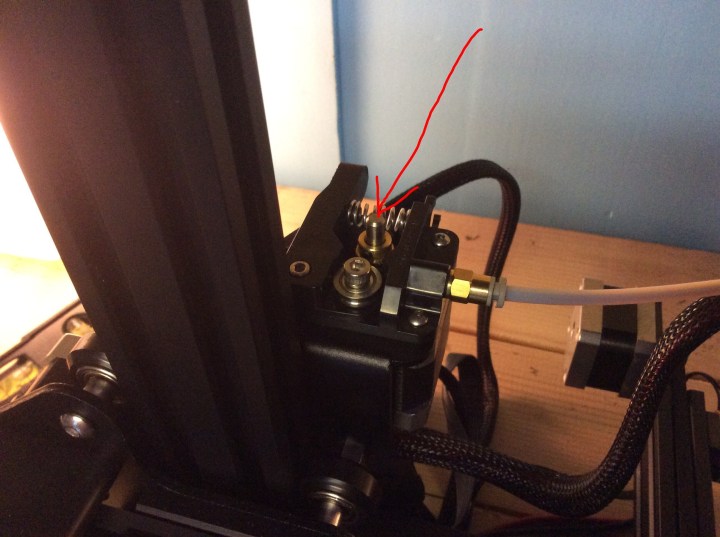
The thingy is arrowed above. This is in the correct place for it, when I found it, it was sitting right at the top of the spindle shown.
Eventually I managed to get it going again…
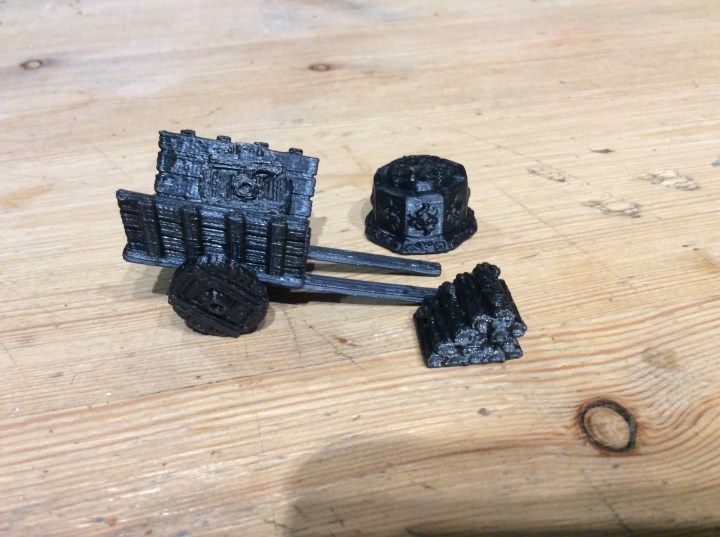
I am still struggling with under extrusion you can see it on the picture below, the top should be smooth.
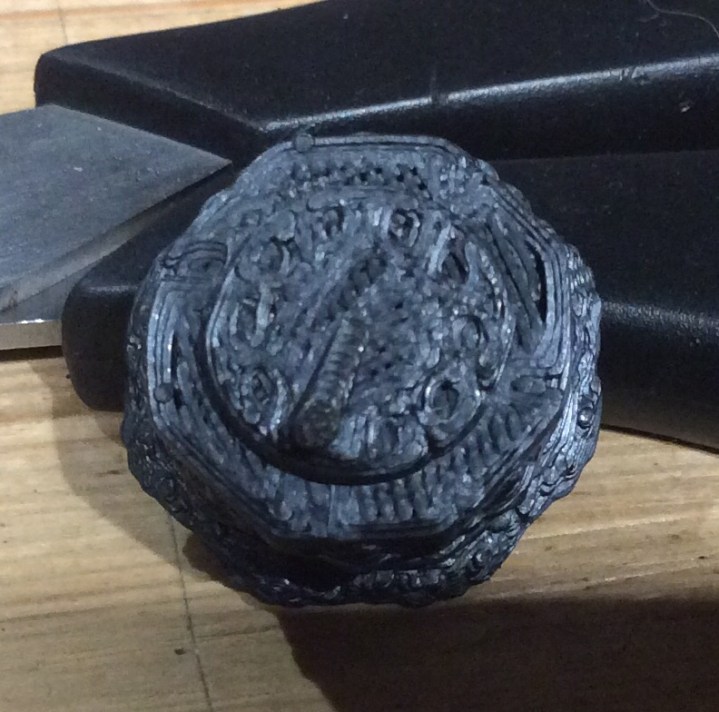
I was going to mess around with the splicing software today but unfortunately the laptop died! I can have a mess around on the printer settings as I go to print, but the software is the easiest method. By all accounts I need to drop the speed to about 95% and possibly the temperature of the nozzle, by 5 degrees or so.
I will print the sundial out again and compare the two.
Finally I found these on Thingiverse and just had to have them. First attempts were pretty unsuccessful. They got half way through and then moved on the plate. I overcame it by building a raft to begin with and voila… safely printed. Still problems with under extrusion (I think – still new to this)
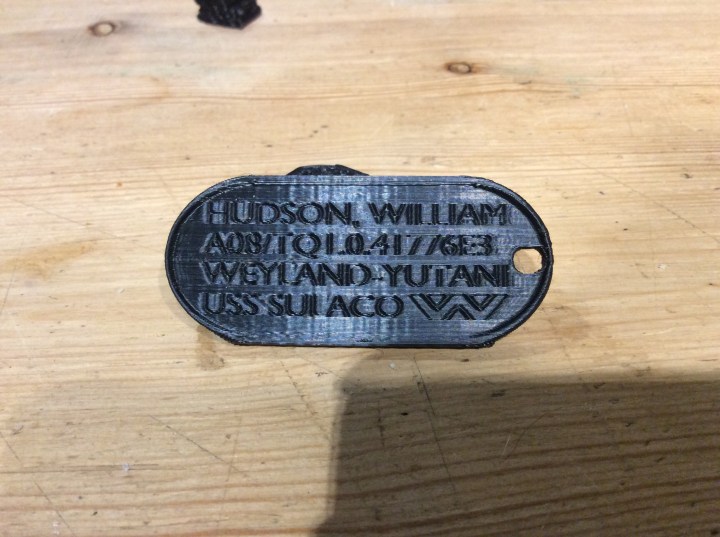
I will get them painted up and photograph them again.
The biggest buggeration I have is that I need a computer to run the slicing program, so all I can print is what is already on the memory card.


Reblogged this on ausevor.
LikeLike
Like you, I am brand spanking new to 3D printing. And while I didn’t have to assemble my printer (I received an inexpensive unit for Christmas), I had a similar issue with the initial extrude. My issue turned out to be a =n internal corner the the filament hung up on, such that I would get filament to run out of the nozzle, but not print. I couple of rethreading of the filament and now it’s working great. Still have a few misprints from time to time, but in general I’ve been having a blast.
Question – where did you find the .stl file for the bits and bobs?
LikeLiked by 1 person
Bits and bobs came from Fat Dragon, one of the Village Items https://www.drivethrurpg.com/product/222574/DRAGONLOCK-Ultimate-Village-Items?cPath=587_24363
LikeLike
I had an issue with my filament guide snagging, I think it might be the reason the pusher nut rode up.
LikeLike
Looking good. Persevere through the problem and I’m sure it will revolutionise your hobby.
Cheers,
Pete.
LikeLiked by 1 person
Cheers Pete, I am getting there (I think🤔)
LikeLiked by 1 person
I’ll be right with you in a few years, when they’re much more idiot-proof. 🙂
LikeLike
It was always going to be a learning curve I think but you seem to know where to look to resolve things so I’ve no doubt you will master the beast before long.
LikeLike
Congratulations on your 3D printing journey! You must be excited to have the opportunity to play around with it!
LikeLiked by 1 person
Cheers for visiting, I am rather excited I must admit, it’s a bit of a learning curve, but I reckon I will get there.
LikeLiked by 1 person
It is like that with any new hobby! I find with pottery when I think about the early days I can now appreciate those experiences as a part of my journey.
LikeLiked by 1 person